OptiFlow

Capabilities

The whole workflow, in one system

OptiFlow is optical store management software that brings customers, appointments, eye exams and prescriptions, orders, payments, inventory and CRM into one system built for opticians and optometrists.

Customers & CRM

Customer details are spread across a notebook, a spreadsheet and someone’s phone. When a customer calls, nobody can say for certain what happened last time or what they bought.

Customers & CRM

Everything about a customer sits on one card — details, exams and prescriptions, orders, payments and follow-ups — so anyone on the team answers from the same picture, even if they never served that customer before.

  • One customer card holding details, exams, prescriptions, orders and payments
  • Fast lookup by name, phone or ID, so the same customer is not opened twice
  • Customer groups and a loyalty club for benefits and repeat-customer follow-up
  • Calls, notes and follow-up tasks recorded on the customer, not on a sticky note
  • History that survives even after years or a visit to a different branch

Available on every plan
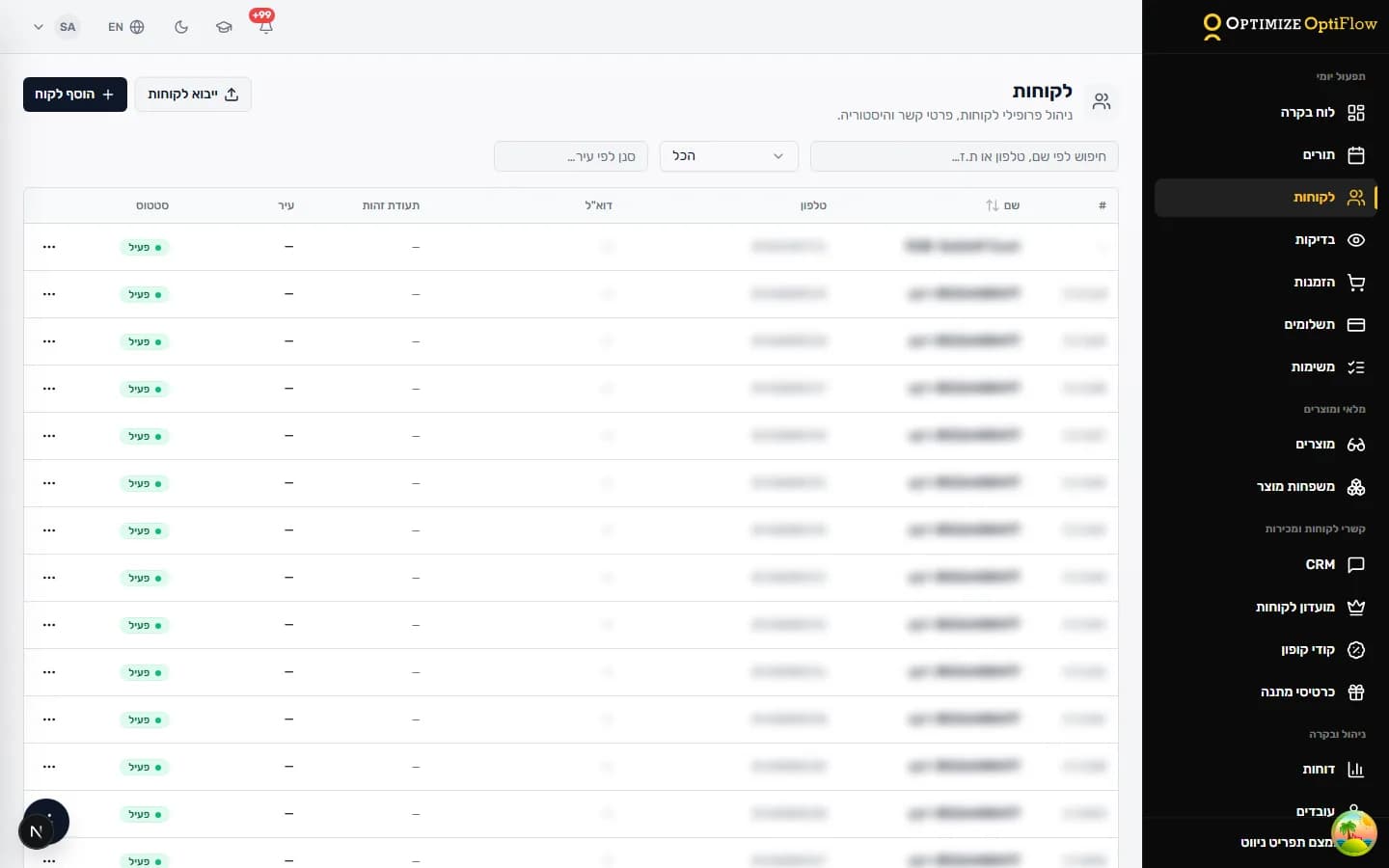
Customer management in OptiFlow: search, status and the full customer record

Appointments & calendar

The diary lives on paper and on the phone. Two staff members book the same slot, customers call to book exactly when nobody is free to answer, and appointments agreed by phone get forgotten.

Appointments & calendar

One calendar for the whole team, with availability that follows real working hours, plus a link customers can book from on their phone — so the diary keeps filling while the store is busy.

  • A shared team calendar, by day and by staff member
  • Online booking on your own store link, usable from a customer’s phone
  • Availability driven by staff working hours and the live calendar
  • Customer reminders on the channels the business has set up
  • The appointment stays linked to the customer and to the exam that followed it

Available on every plan

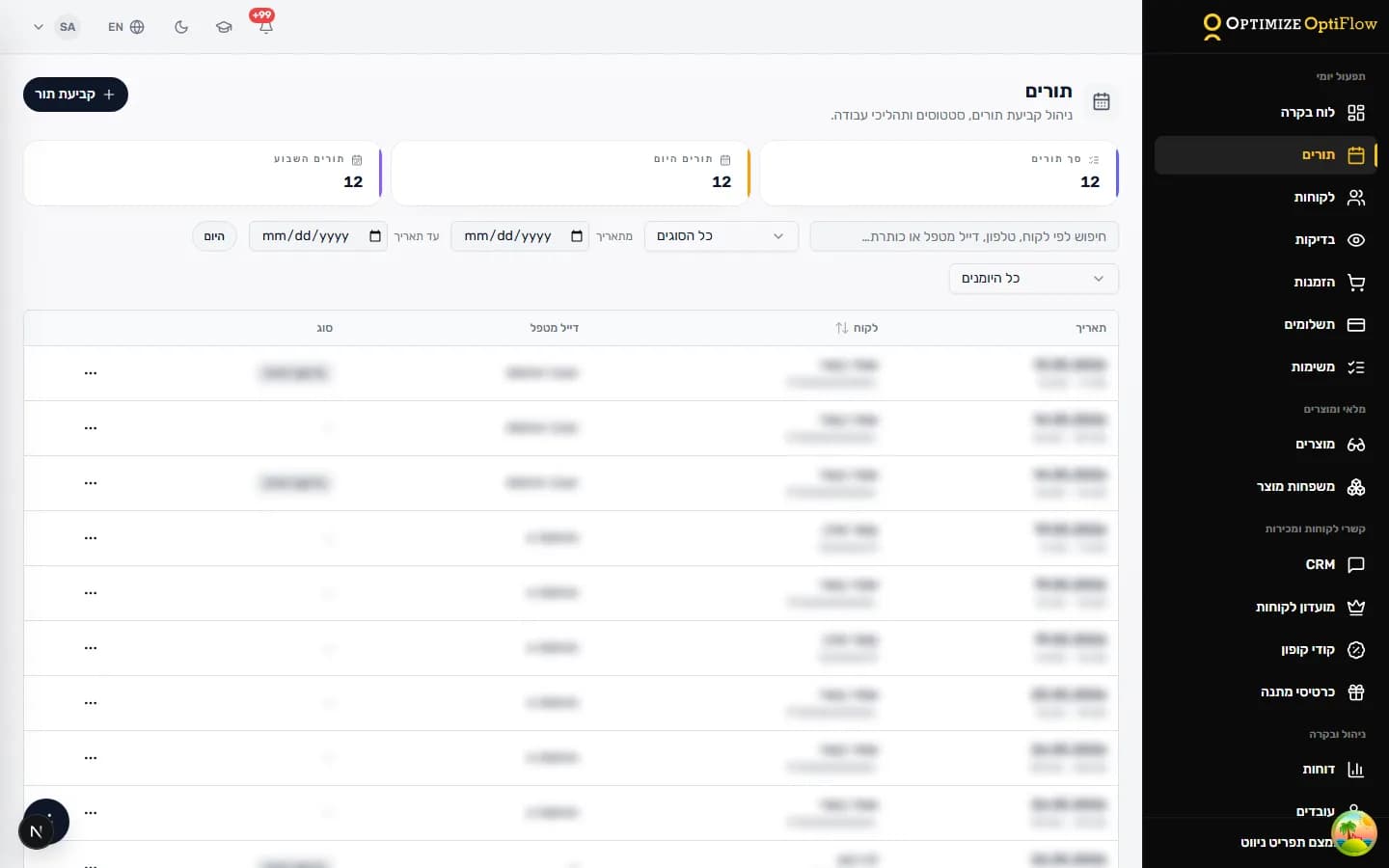
The OptiFlow appointment calendar: booking, statuses and staff assignment

Eye exams & prescriptions

Prescriptions end up in a folder or a notebook. There is no easy way to compare against the previous one, and every order means typing the numbers again — which is exactly where the expensive mistakes happen.

Eye exams & prescriptions

The exam, the prescription and the history stay on the customer, the previous prescription is shown next to the new one, and the order continues from the same values — with no re-typing.

  • Documented eye exams, including contact-lens exams
  • Prescription history, with the previous prescription shown beside the current one
  • Continue from the prescription straight into an order, carrying the exam values
  • Files and images attached to the exam and kept with the customer
  • A printable exam or prescription document to hand to the customer

Available on every plan

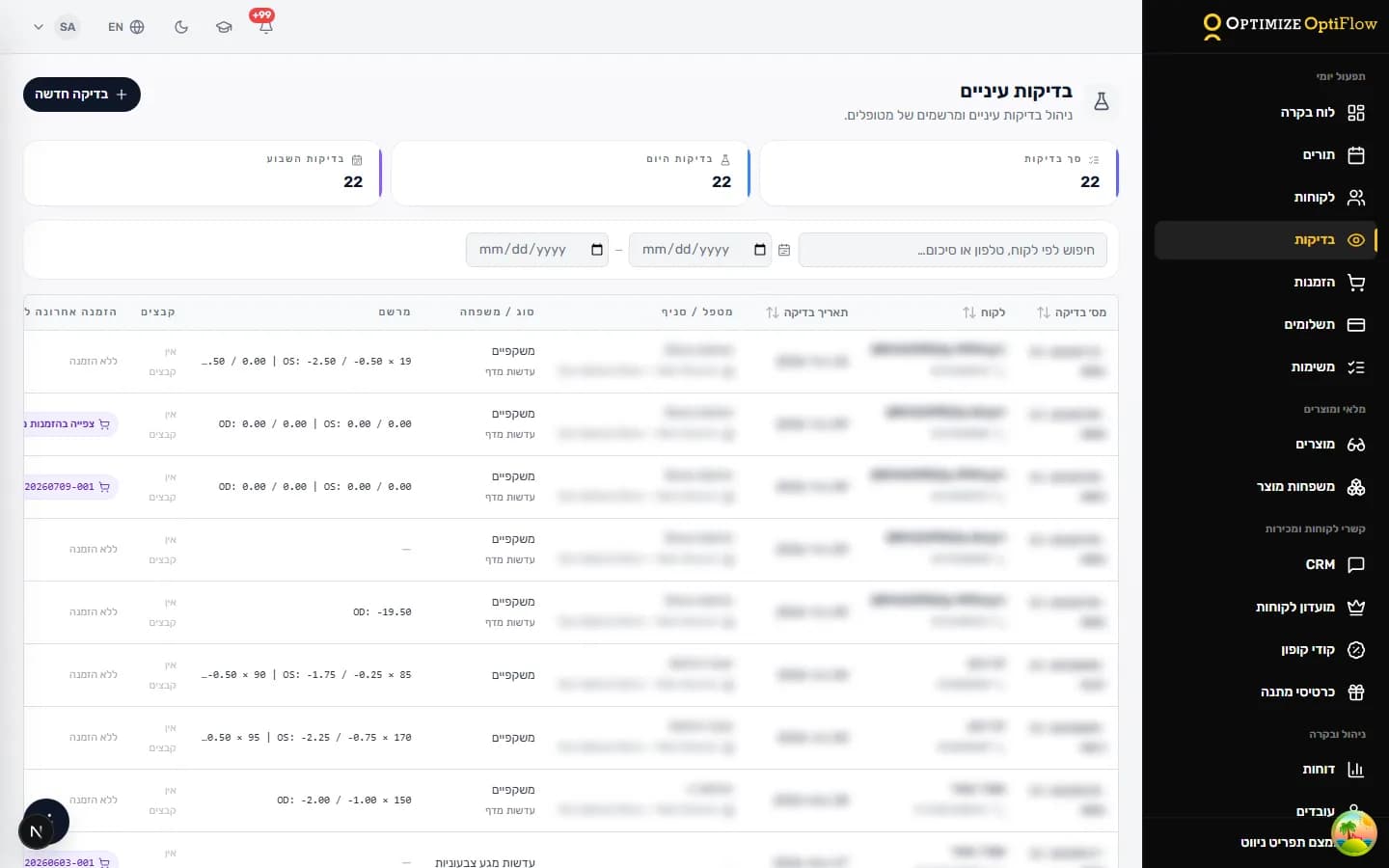
The eye exams and prescriptions screen in OptiFlow, with SPH, CYL and axis per eye

Orders & sales

Nobody really knows where the open orders stand: what was ordered, what arrived, who needs a call. The customer always asks on the day the person who served them is off.

Orders & sales

Every order is tracked from the moment it opens until it is handed over, carrying the prescription values, and the state of open orders is visible to anyone permitted to see it — no hunting for the one person who remembers.

  • Open an order from the prescription instead of re-entering the values
  • Track open orders by stage, through to hand-over
  • Spectacle and contact-lens orders drawn from your product catalogue and pricing
  • The customer’s order history available on their own card
  • A lens-thickness estimate to show the customer while they choose

Available on every plan

Orders & sales

Payments & documents

Payments are recorded in one place and documents are issued in another. At the end of the day someone reconciles by hand who paid, who still owes, and what was actually issued.

Payments & documents

The payment is recorded on the order itself — split across methods or spread over several instalments — and the financial documents are issued from the same place, according to your settings.

  • Payments recorded on the order, including partial payments and split methods
  • Open balances tracked per customer and per order
  • Financial documents issued by document type and your business settings
  • Gift cards and coupons accepted as payment or as a discount
  • Optional connection to a point-of-sale system, depending on provider and setup

Available on every plan

Payments & documents

Products & inventory

Inventory is a headache. Some stores count every frame; others work against a supplier and have no wish to track stock at all — and most systems force one way of working on everybody.

Products & inventory

The catalogue, pricing, orders and payments all work without stock tracking. When a business does manage stock, per-branch balances, movements and branch-to-branch transfer documents come with it.

  • A product catalogue and pricing that work with or without stock tracking
  • Per-branch stock balances once inventory is switched on
  • Stock movements by product and by branch
  • Branch-to-branch transfer documents, recording what moved and where
  • A cross-branch stock picture for management

Enabled to match how the business works

Products & inventory

Working across branches

With more than one branch there is no single picture. Each branch runs itself, a customer who walks into another branch starts from scratch, and the owner gets separate reports that are hard to compare.

Working across branches

Every branch works in the same system on the same customers, each activity is attributed to the branch where it happened, and management gets one cross-branch picture.

  • One customer across all branches — the history follows them to any location
  • Appointments, exams, orders and payments attributed to the branch that handled them
  • Role-based permissions, so each person works inside what their job needs
  • Branch-to-branch comparison in management reports
  • Per-branch stock balances when inventory is switched on

Available on every plan

Reports & the management view

At month end the numbers are gathered from several places just to work out what happened, and decisions get made on gut feel instead of data.

Reports & the management view

The data recorded during the working day becomes reports and a status view — no manual collection, no extra spreadsheet on the side.

  • A daily status view: appointments, orders and branch activity
  • Sales, order and payment reports by period
  • Breakdowns by branch, by staff member and by activity type
  • Open orders and unfinished follow-ups tracked in one place
  • Data exposed according to the viewer’s permissions

Available on every plan

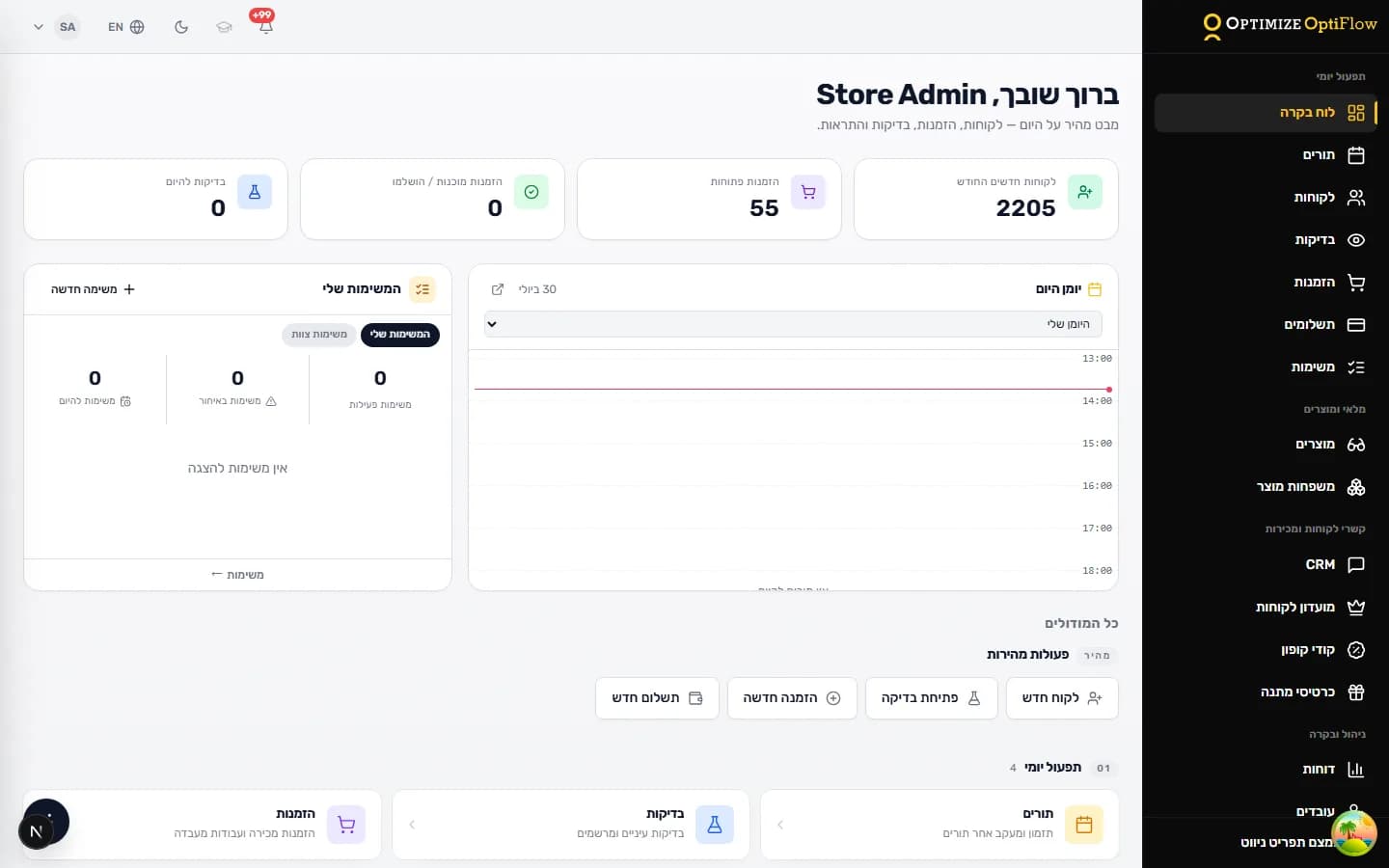
The OptiFlow dashboard: appointments, exams, orders and today’s tasks on one screen

Employees & permissions

Either everyone sees everything, or every small action waits for the owner. And when someone leaves, nobody is sure what they left open or what they did.

Employees & permissions

Each person gets access to what their role actually needs — clinical information included — and when they leave, the record of their work stays with the business.

  • Role-based permissions for front desk, sales, optometry and management
  • Clinical information shown only to the roles whose work requires it
  • Add a new employee and get them working without sharing passwords
  • Off-board someone without losing the history they created
  • A record of who did what, for internal control

Available on every plan

Employees & permissions

Automation & integrations

Follow-up depends on somebody remembering: who is due for another exam, who to call about glasses that arrived, and what to do with the numbers the device prints on paper and someone re-types by hand.

Automation & integrations

Tasks and reminders come out of the work itself, messages go out on the channels you have set up, and measurement data from supported devices arrives in the system instead of being typed in again.

  • Tasks and follow-ups created out of the daily work
  • Customer reminders and messages by SMS or WhatsApp, on the channel you configured
  • Online booking through the store’s public link
  • Measurement data imported from supported devices, objective refraction included
  • Connection to a point-of-sale system, subject to provider and a compatibility check

Subject to equipment, provider and a compatibility check

Automation & integrations

OptiFlow can connect to supported devices and services depending on the model, the provider and your configuration. Some connections depend on your plan, your equipment and a compatibility check.

Want to see how OptiFlow could fit your business?

We’ll set up a personal demo, learn how you work today, and show the capabilities that matter for your store or clinic.